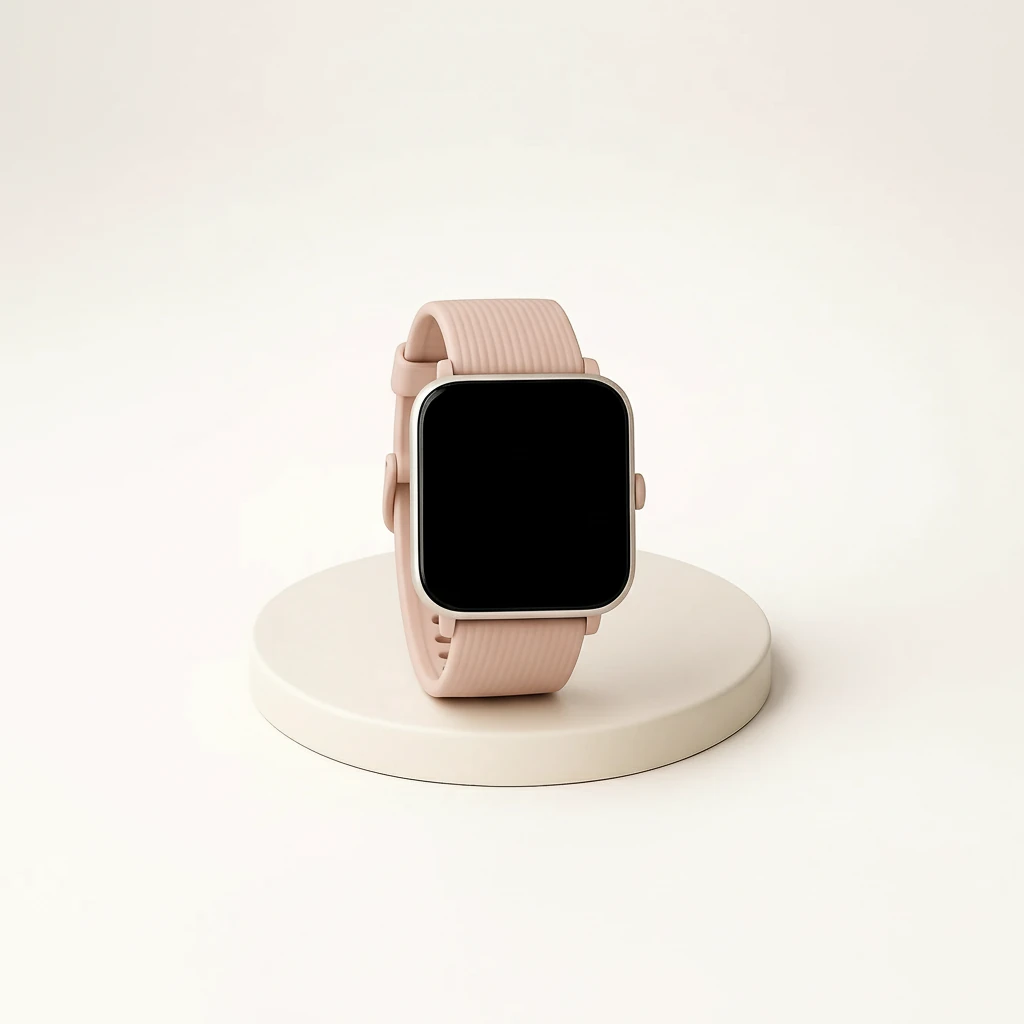
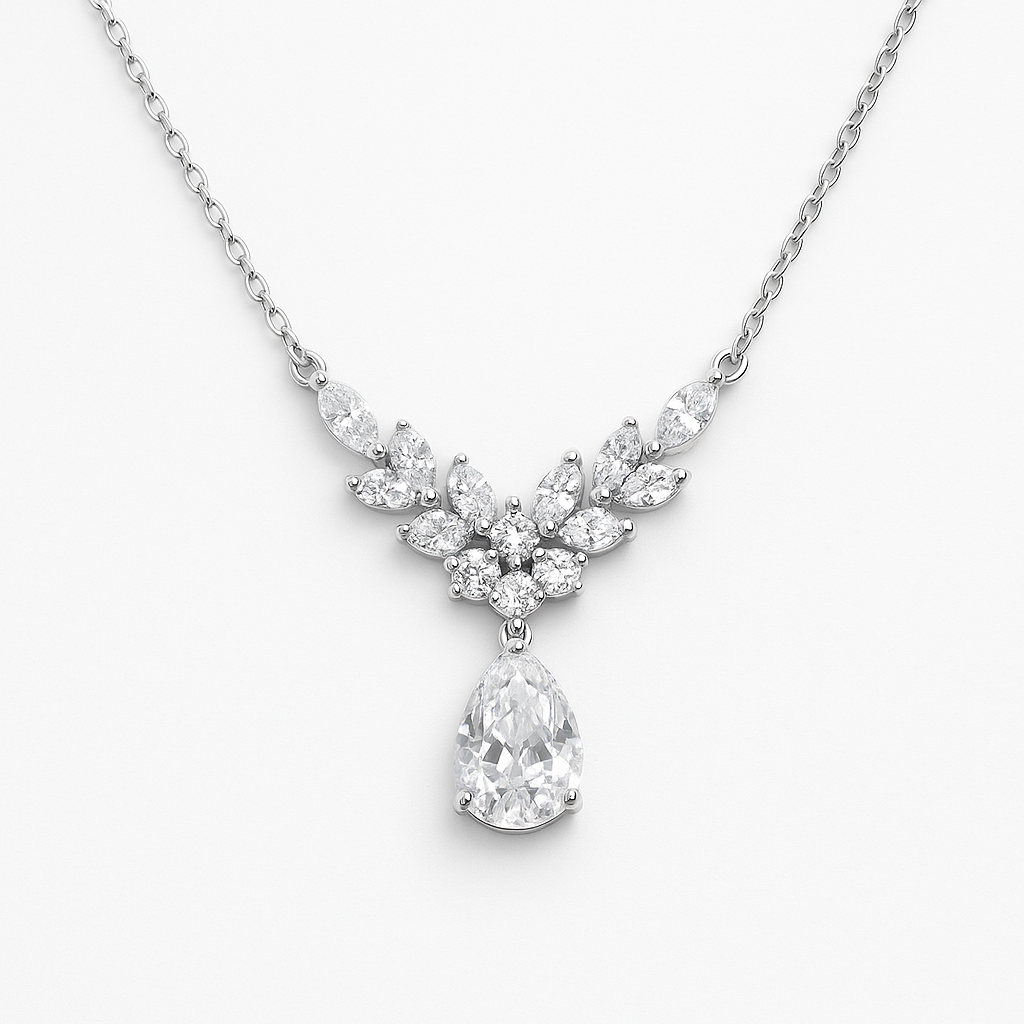
Create clean studio-ready images
Replace distracting backgrounds, improve lighting and add controlled shadows while keeping the product at the center of the frame.

Turn everyday product photos into clean studio shots, lifestyle scenes and on-model images. Standardize product photos across the catalog and automatically enhance images during product generation.
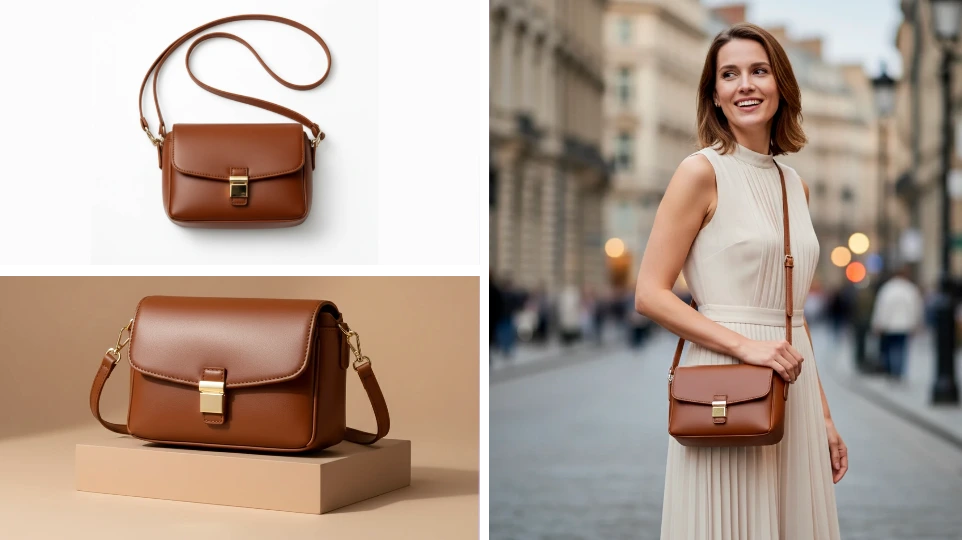
Create clean product images, develop additional scenes or generate variations. Listagrow keeps the work tied to the product instead of scattering image edits across separate tools and folders.
Replace distracting backgrounds, improve lighting and add controlled shadows while keeping the product at the center of the frame.
Turn a basic product photo into a lifestyle scene, flat lay, luxury composition, on-model image or other ecommerce-ready presentation.
Choose reusable settings for background, aspect ratio, lighting and shadows so each new product follows the same visual direction.
Improve images while creating or enriching products, then review the results alongside the listing instead of managing a separate editing process.
Use quick starting points for clean studio, lifestyle and on-model imagery, then refine the result to fit the product and your brand.
Give teams a consistent way to create, refine and approve product imagery without turning every SKU into a separate creative project.
Traditional image workflowEvery product needs a separate brief, edit and handoff.
With ListagrowApply a saved image style across the products that should share the same look.
Traditional image workflowBackgrounds, crops, lighting and shadows drift between suppliers and shoots.
With ListagrowSet the visual rules once and reuse them throughout the catalog workflow.
Traditional image workflowA small change means reopening the source file and starting another revision.
With ListagrowRefine an enhanced image with a follow-up instruction or return to an earlier version.
Traditional image workflowFinished images are downloaded, renamed and matched back to products manually.
With ListagrowReview the enhanced result in context and save it back to the product when it is ready.
Start with a quick image style or your own saved template. Choose the framing, background, lighting and shadow treatment, then use follow-up instructions when the first result needs a smaller adjustment.
Image Studio keeps the edit history available, making it easier to compare versions and return to an earlier result. Once approved, save the enhanced image back to the product.
AI image enhancement helps ecommerce teams turn ordinary product photos into cleaner, more consistent product imagery. It can improve backgrounds, lighting, shadows, framing and presentation while keeping the result connected to the product workflow.
Listagrow includes quick starting points for clean studio, lifestyle, on-model, pets, color changes, transparent backgrounds, flat lays and luxury compositions. You can also add your own instructions and save reusable templates for future products.
Yes. You can choose solid, gradient, transparent, scene or original backgrounds; preserve the original aspect ratio or use common ecommerce ratios; and select lighting and shadow styles that suit the catalog.
Yes. Image Studio supports follow-up editing instructions and keeps the edit history available, so you can refine the result or return to an earlier version without restarting from the original photo.
Yes. Automatic image enhancement can be enabled as part of product generation or enrichment. You can configure the preferred image style, the number of images to enhance per product and whether enhanced images are added alongside or used in place of the originals.
By default, automatic enhancement can keep the original images and add enhanced versions. Teams that prefer a replacement workflow can configure enhanced results to take the place of the originals. If an automatic enhancement fails, Listagrow keeps an original image as a fallback rather than leaving the product without imagery.
Each successfully enhanced image uses 1 credit. Automatic enhancement charges only for images that are successfully enhanced.
Yes. The free AI Product Photography tool lets you try a single-image workflow without logging in. The full Listagrow platform adds reusable settings, product workflows, edit history and catalog integration.
Start free and try it yourself, or book a demo to discuss your catalog needs and workflows.